Play Star Citizen free during Free Fly »
SPACEGAMER.net
Medical Guide

Guide · Star Citizen

Medical Guide

From a scratch to clinical death: injuries, drugs, medical beds and regeneration — and what to pack before you leave home.

Introduction

Medical gameplay in Star Citizen is not a standalone career: it leans on the Actor Status System, scanning, FPS traversal and beacons. That is why the system has evolved alongside everything else, sometimes falling behind while other pieces matured.

This guide covers what is in the game today — injuries, drugs, medical beds, MedGel, imprinting and regeneration — and closes with what CIG has already shown for after 4.3.1: multiple imprints, medbed conditions and a new regeneration screen.

Injuries

Injuries are inflicted when you take sustained, repeated damage. They hit your arms, legs, torso or head and show up in the bottom left of your helmet HUD or through a scan. Each tier lowers your maximum health pool and adds effects depending on the body part.

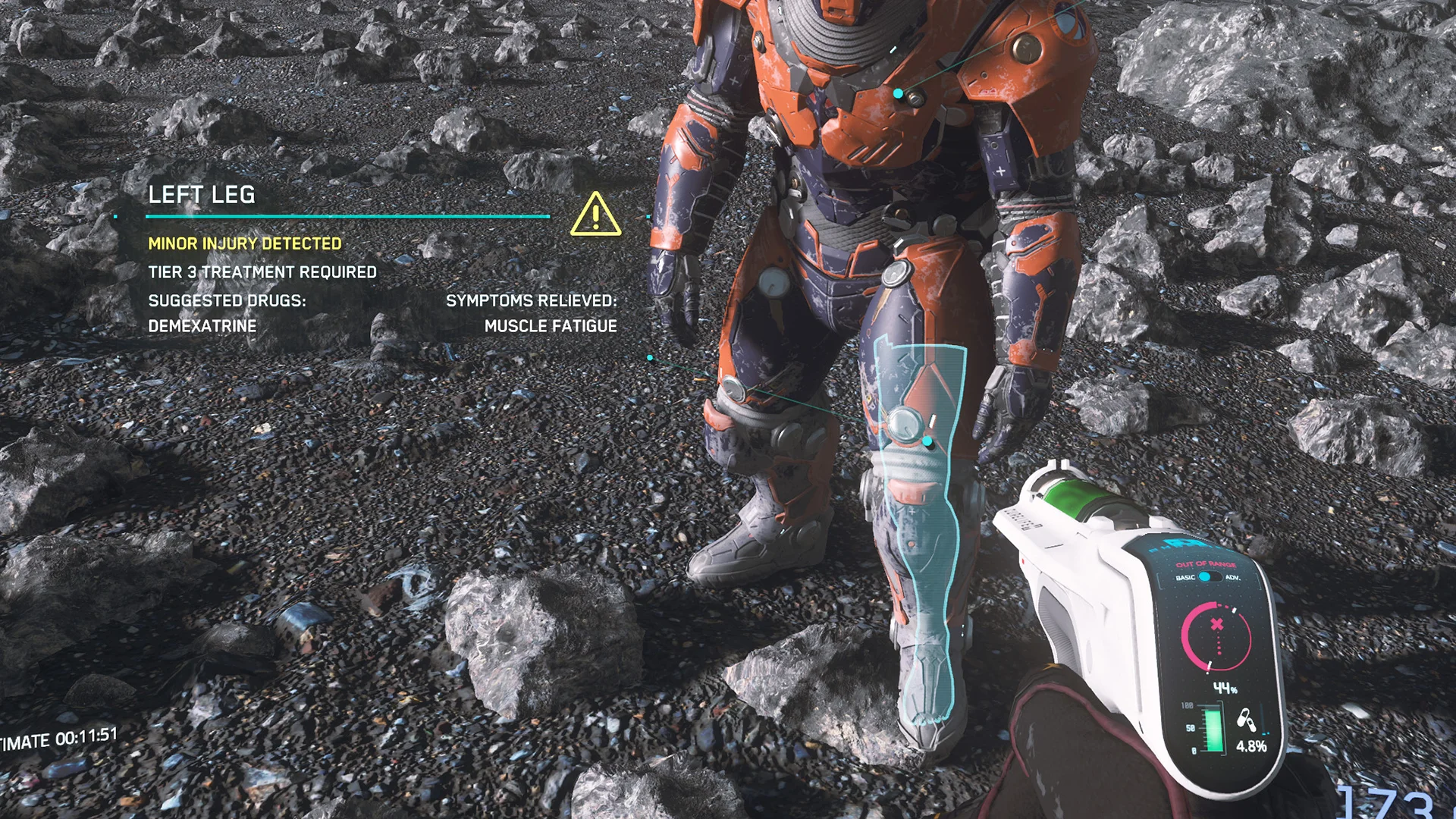
Tier 3 — Minor injury

Tier 3 — Minor injury T3

  • Arms: weapons get harder to aim and melee damage is impaired.
  • Legs: movement speed drops.
  • Torso: less stamina and regen, with audible wheezing.
  • Head: blurred vision, muffled audio, lower impact resistance and slower stun recovery.

Treatable on site or by any medical bed. No stabilization required.

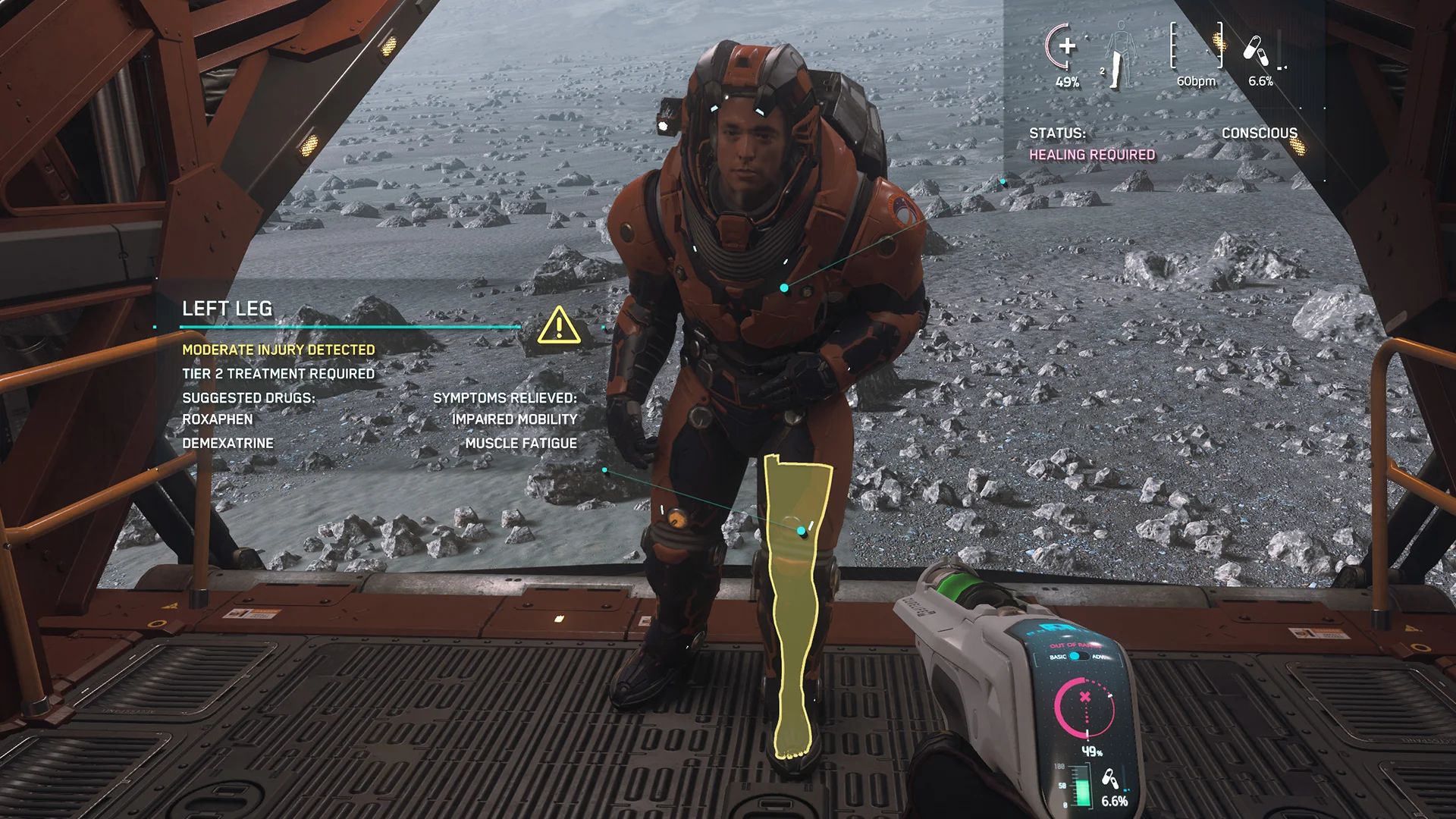
Tier 2 — Moderate injury

Tier 2 — Moderate injury T2

Keeps every Tier 3 penalty, with stronger effects and new complications.

  • Arms: you can no longer throw items.
  • Legs: hurt locomotion — limping with audible grunts of pain.
  • Torso: you start coughing up blood.
  • Head: all previous effects get worse.

Symptoms can be stabilized on site or by any medical bed, but healing requires a Tier 2 bed or better.

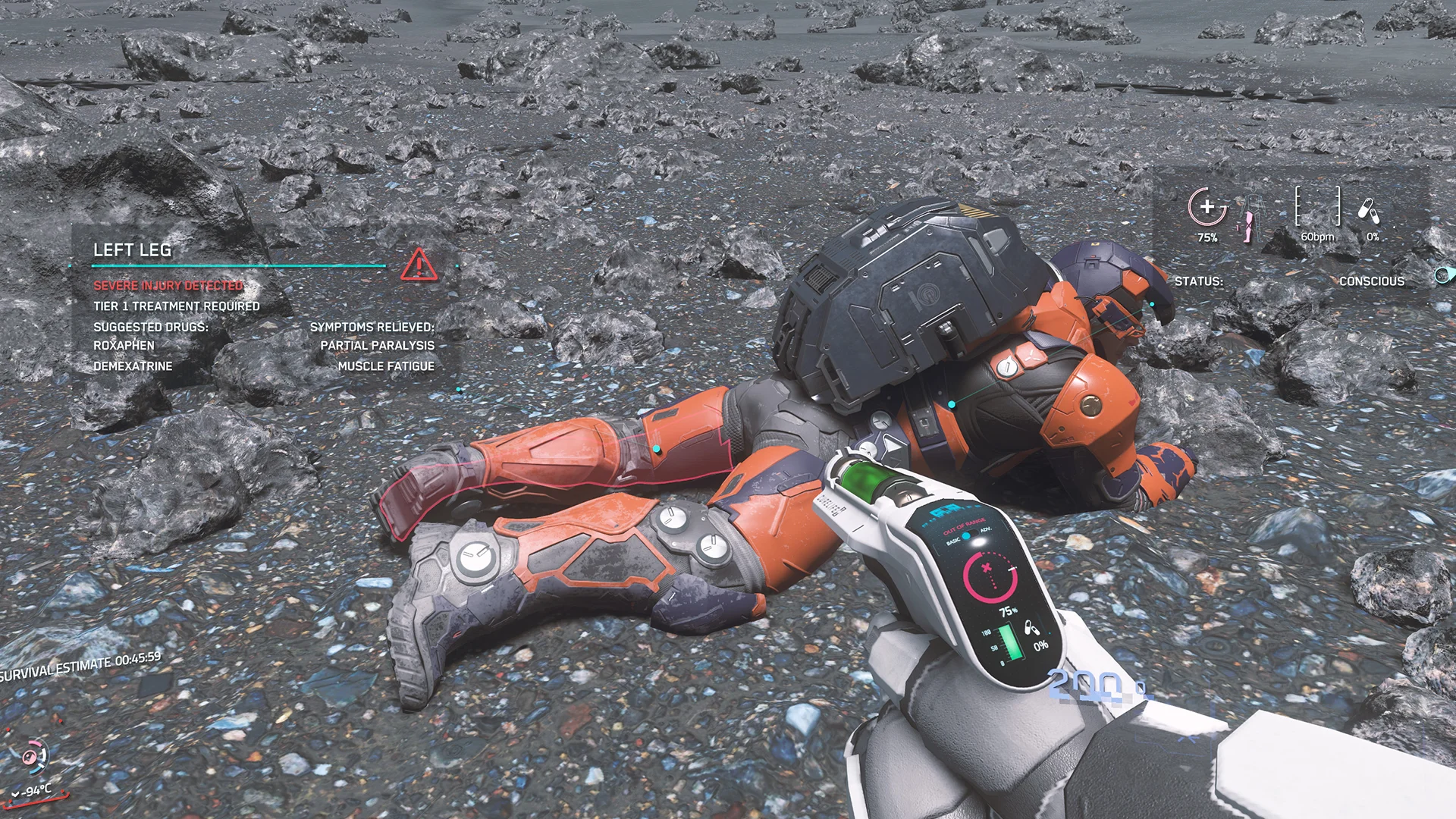
Tier 1 — Severe injury

Tier 1 — Severe injury T1

Escalates everything from Tier 2 and adds hard restrictions.

  • Arms: arm lock — you cannot hold weapons or objects.
  • Legs: you are forced prone, unable to stand or crouch.
  • Torso and head: worse effects plus hurt locomotion.

Symptoms can be stabilized on site, but healing requires a Tier 1 bed.

Field treatment

Not every injury needs a hospital. With the right gear you stretch your time in the field and keep the team standing. All of it can be bought at any hospital, clinic or pharmacy.

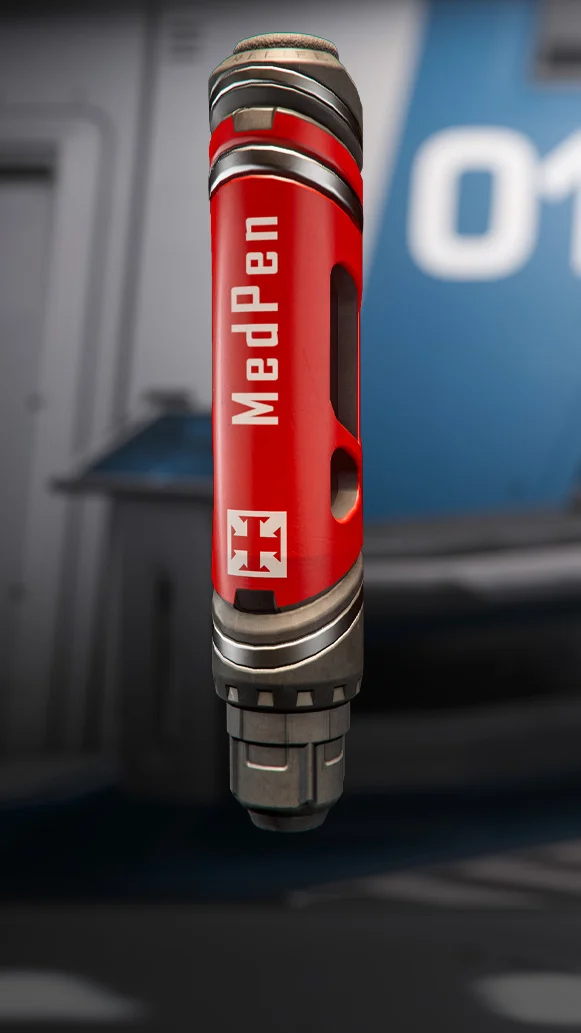
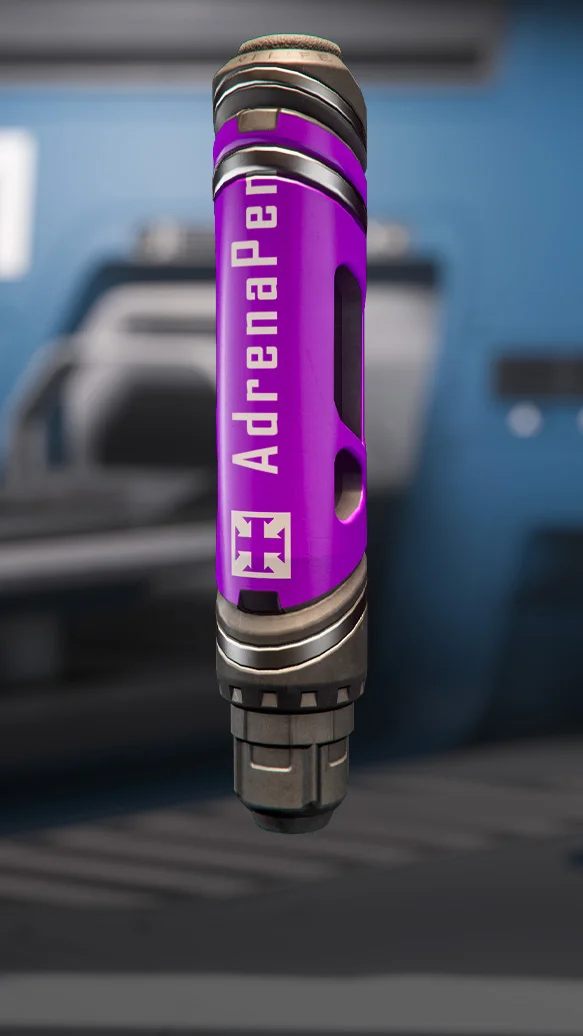
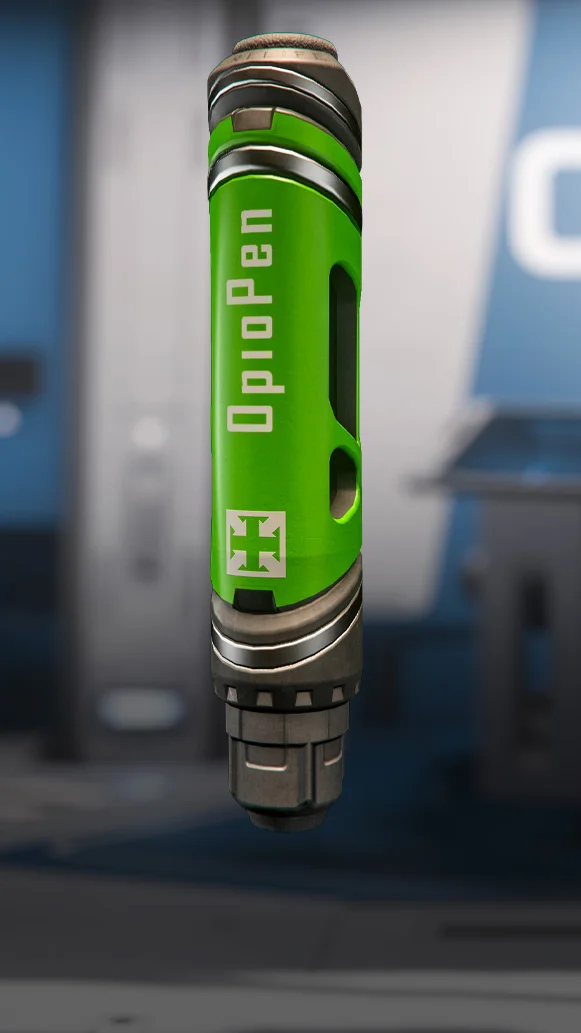
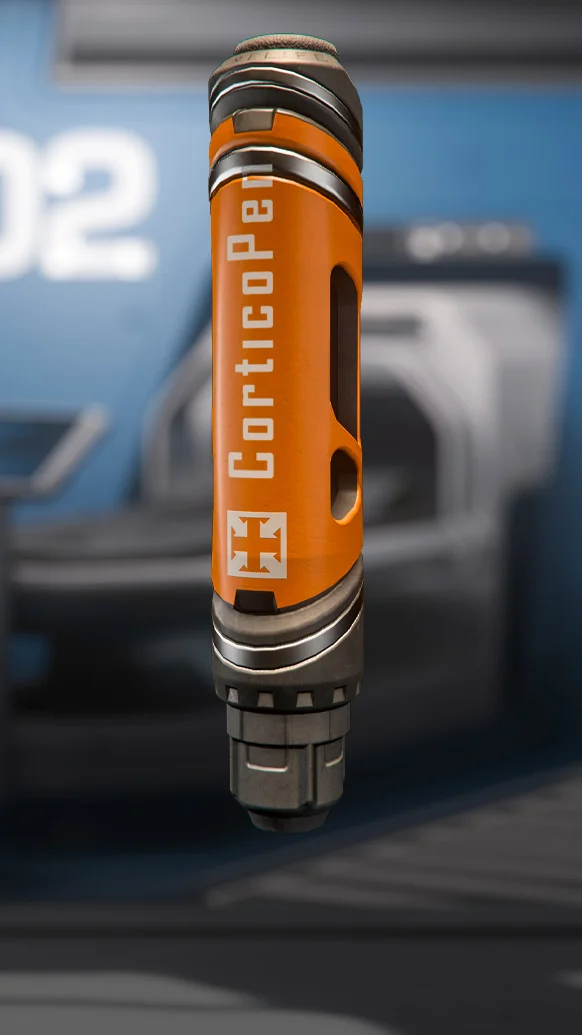
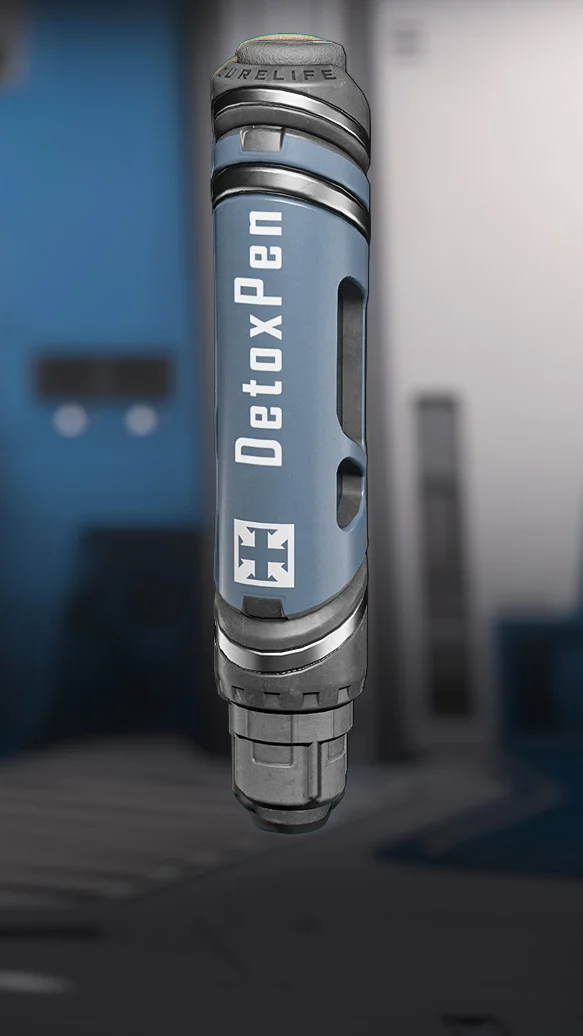
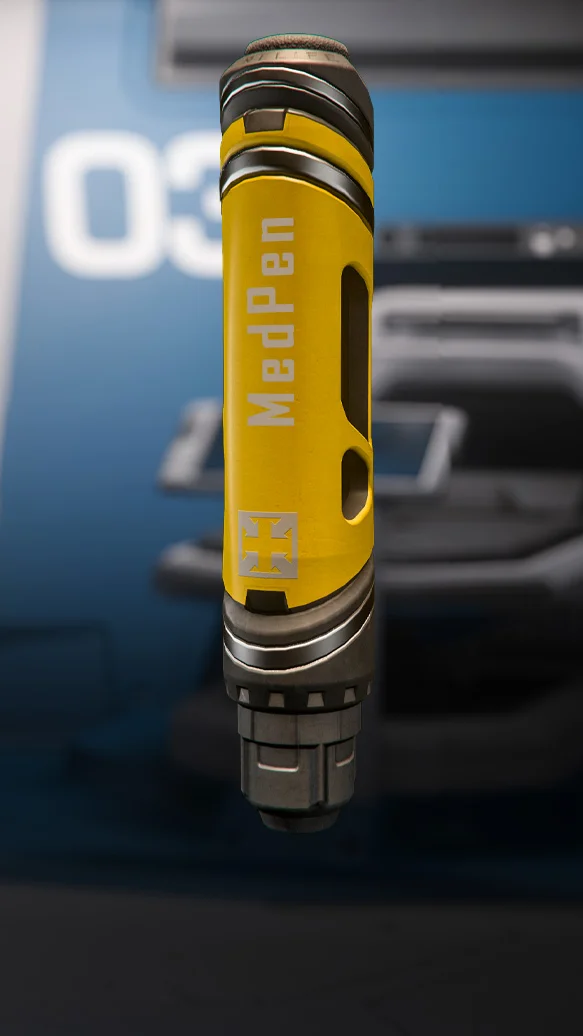
Medical pens (MedPen)

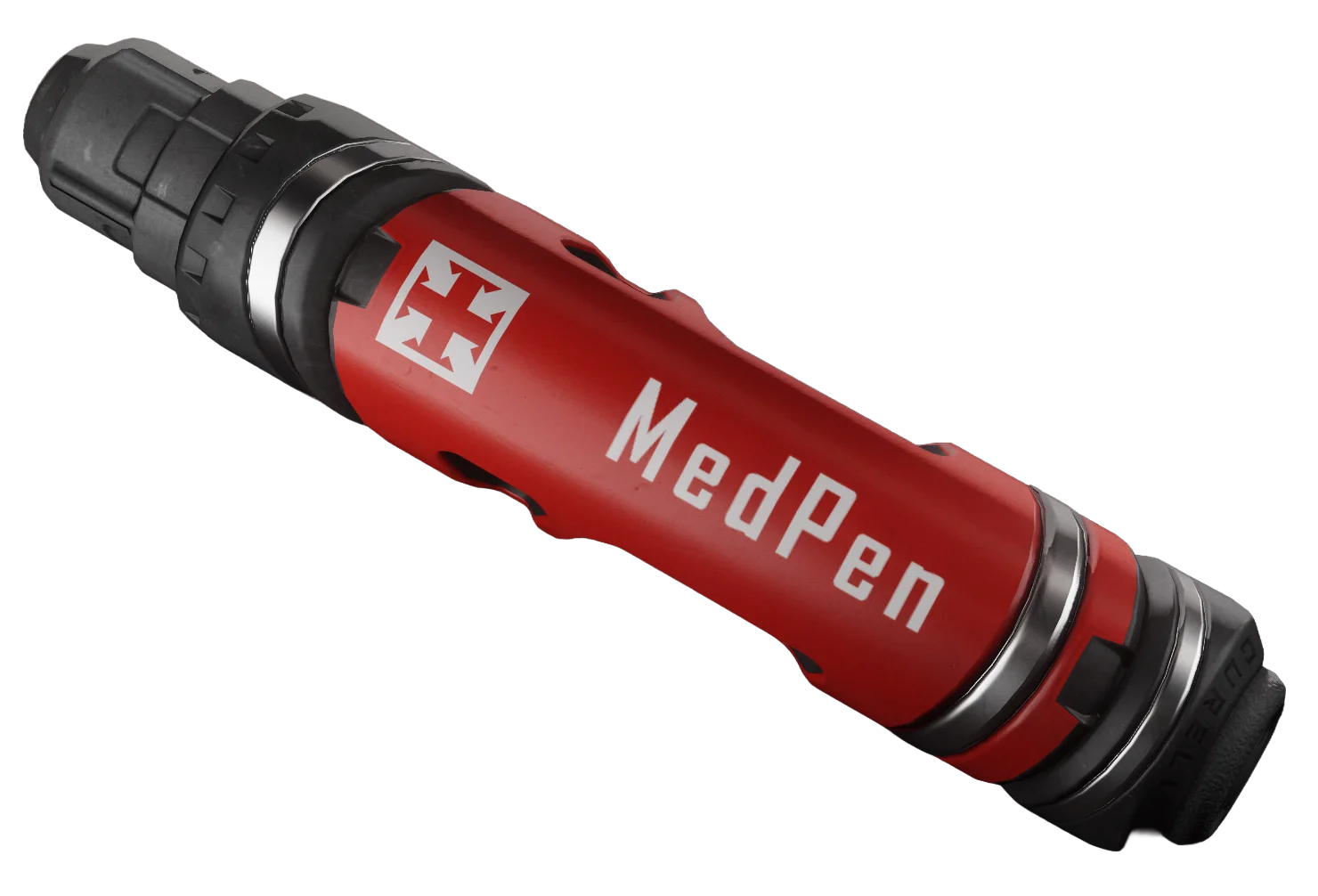
Medical pens (MedPen)

Simple and direct: they deliver a fixed dose of one specific drug. Single use.

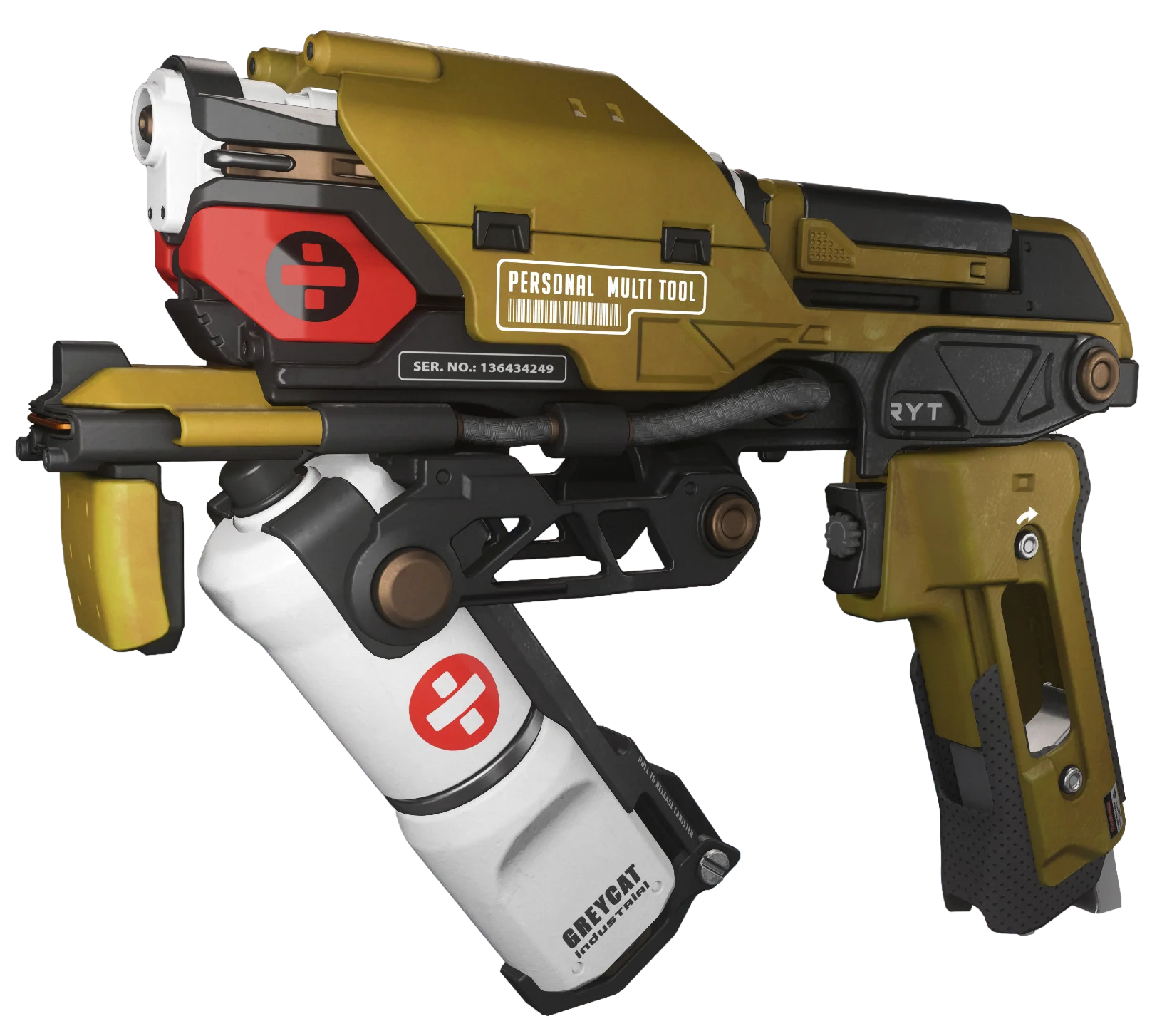
Multi-Tool

Multi-Tool

With the medical attachment it delivers limited Hemozal treatment to yourself and others.

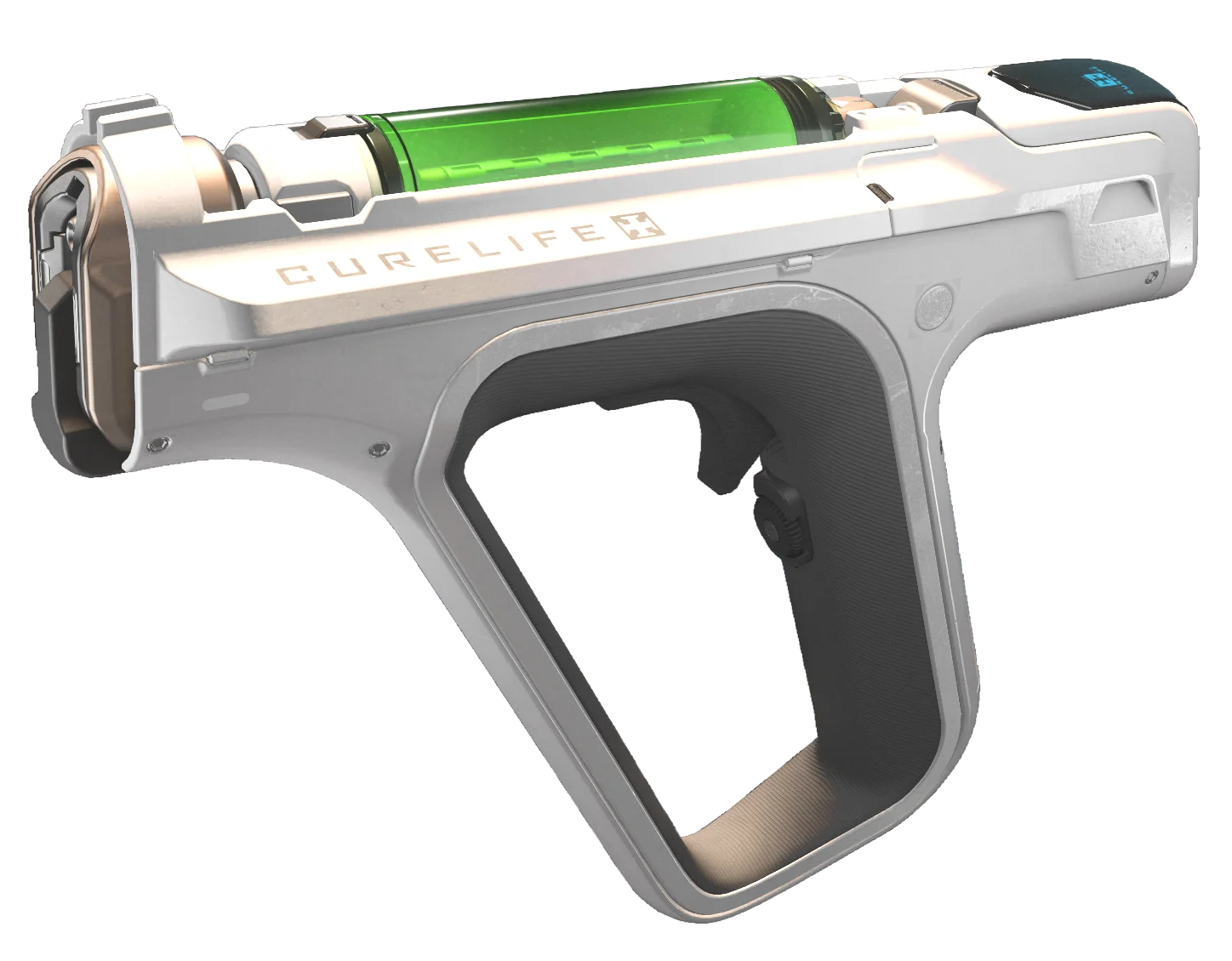
Curelife Medical Tool

Curelife Medical Tool

The professional tool: it diagnoses and administers most medical drugs in precise amounts.

Using the Curelife

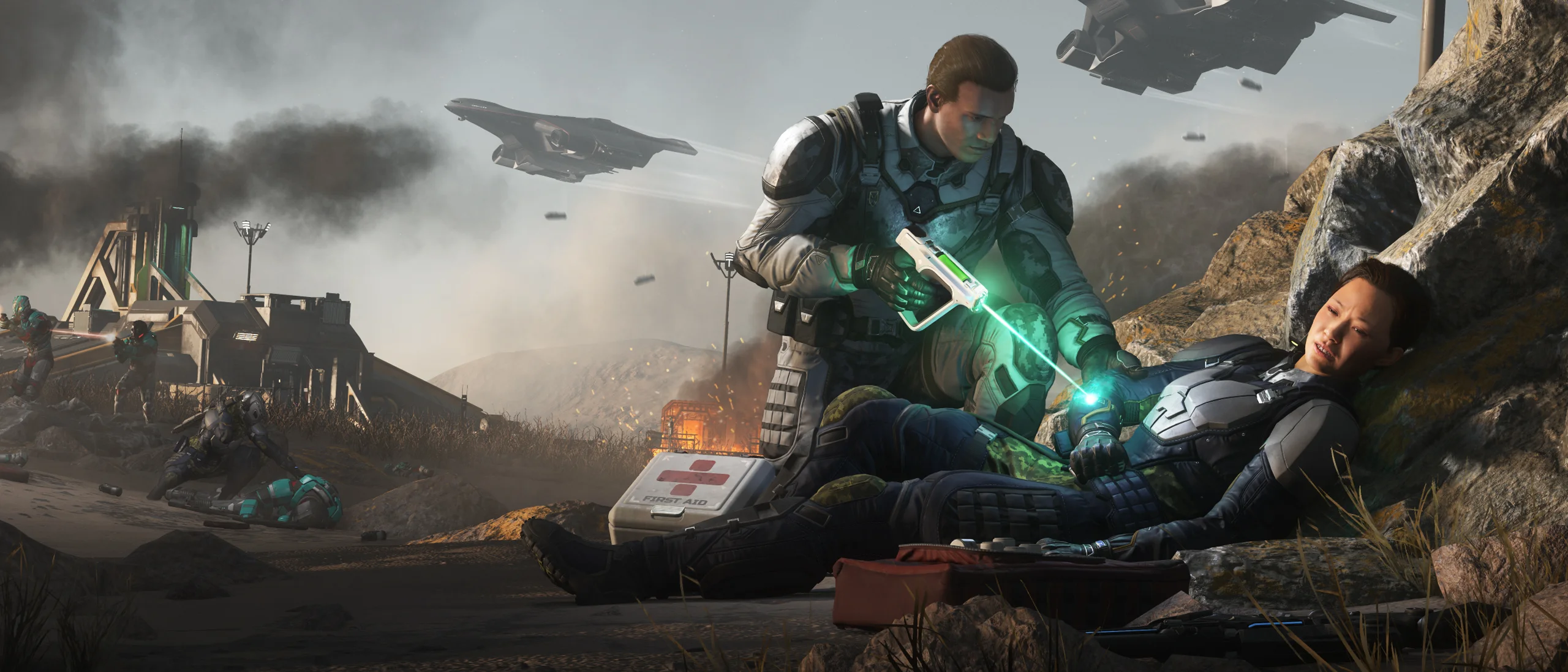
The Curelife detects injuries and diagnoses anyone's health status by targeting specific limbs. It has two modes:

  • Basic: applies Hemozal quickly, like the Multi-Tool.
  • Advanced: applies five different drugs (Canoiodide excluded) in doses you choose.

To switch modes and adjust the dose, hold the tool up with the right mouse button and hold F to interact with its screen.

Curelife Medical Tool
Stabilization

Stabilization

Stabilizing temporarily suppresses the effects of an injury. The injury is still there and will need proper treatment later, but you buy a crucial window operating at full capacity.

Blood-Drug Level (BDL)

Blood-Drug Level (BDL)

Every drug raises your BDL, tracked next to your health status on the HUD. Once it hits 50% of maximum you are overdosed: slower traversal, blurred vision, weapon sway, erratic piloting — plus slow damage until it is countered.

Drugs

Sold as single-use pens and, with the exception of Canoiodide, also available inside the Curelife Medical Tool.

Hemozal

Hemozal

Stops bleeding, restores health up to your current maximum and brings a person back from incapacitation.

Demexatrine

Demexatrine

Relieves muscle fatigue and concussion symptoms.

Roxaphen

Roxaphen

Alleviates symptoms that hinder movement, such as severe leg or arm injuries.

Sterogen

Sterogen

Relieves symptoms caused by muscle weakness or respiratory damage, such as a chest injury.

Resurgera

Resurgera

Reduces BDL over time and alleviates overdose symptoms.

Canoiodide

Canoiodide

Reduces radiation symptoms.

Incapacitation and rescue beacons

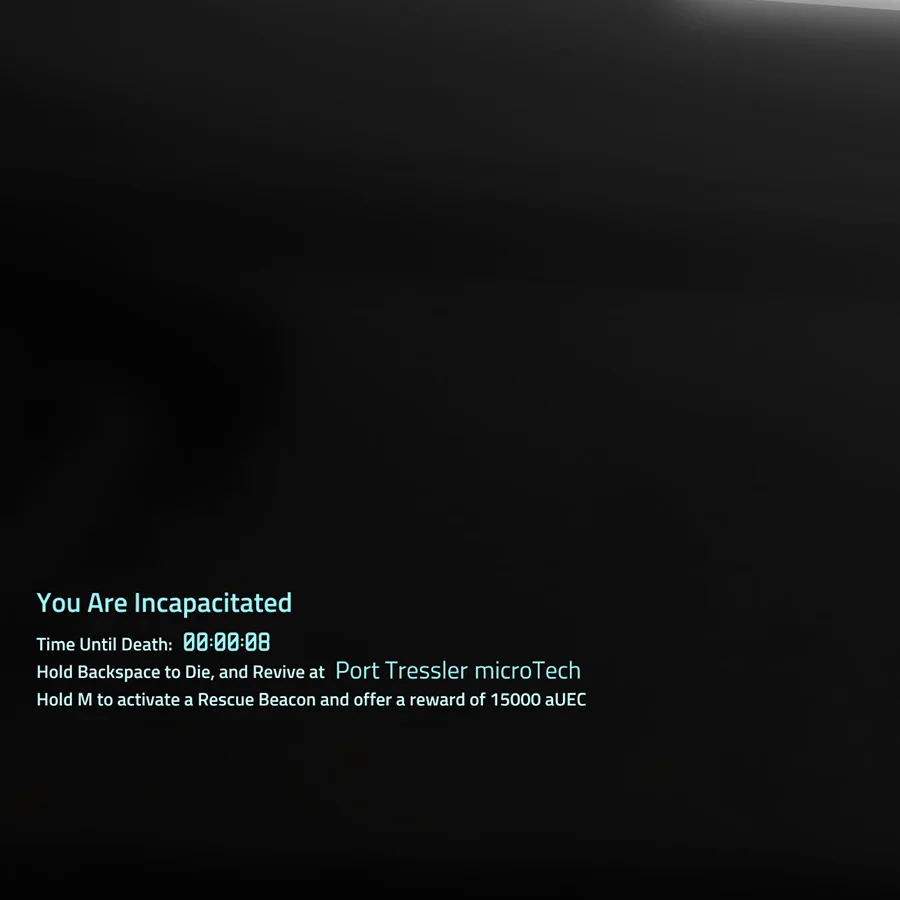
When your health hits 0% you drop to the ground, unable to move or act. The countdown starts.

If allies are nearby, one dose of Hemozal gets you back on your feet. Alone, hold M to create a Rescue Beacon: it creates a mission in the Contracts Manager and notifies the HUD of nearby players.

Whoever accepts it can treat you on site, carry you to a ship-based medical bed or drop you at the Emergency Medical drop-off areas in hangars attached to medical facilities.

If the timer runs out you regenerate at your next clone and leave a corpse behind — along with everything on it.

Incapacitation and rescue beacons

Beacon reward

15,000 aUEC, set automatically and paid out when you are revived.

Beacon reward
Beacon reward

Medical beds

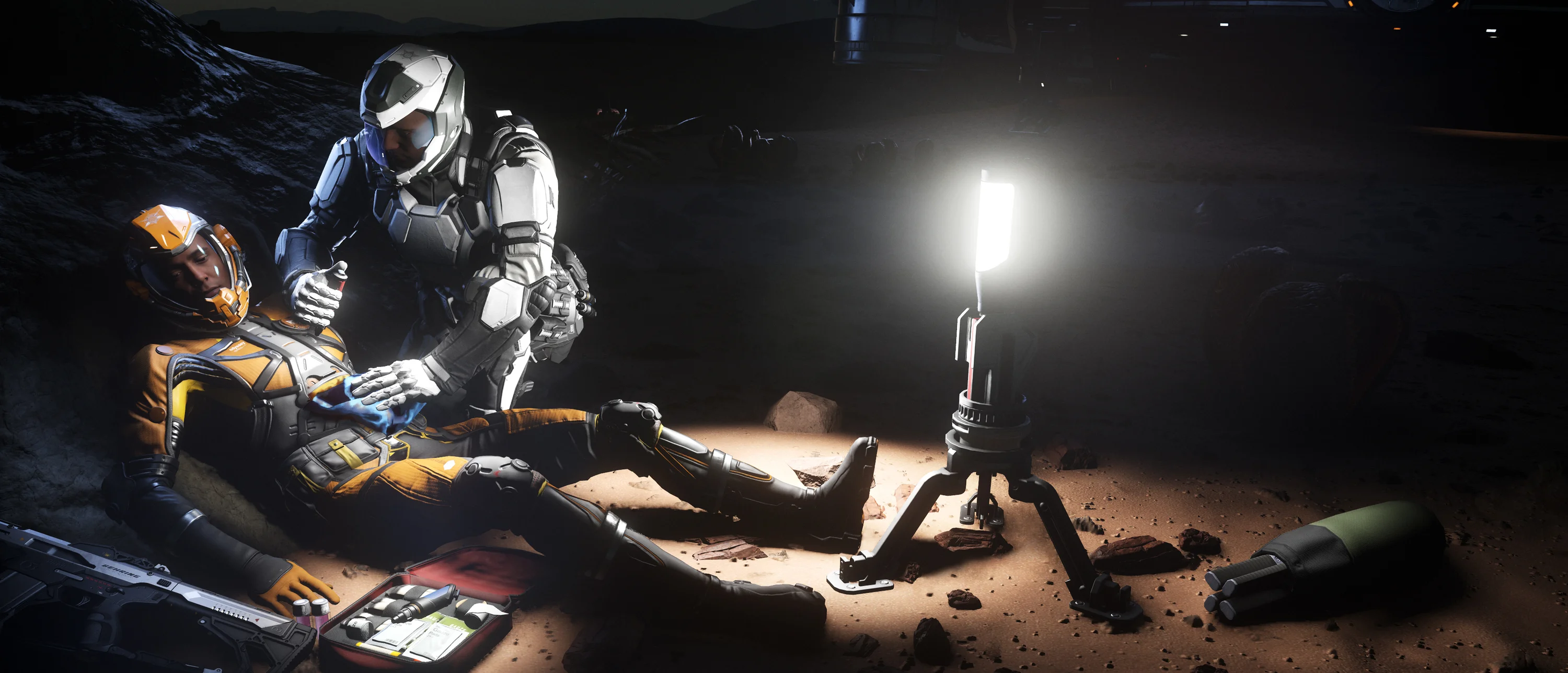
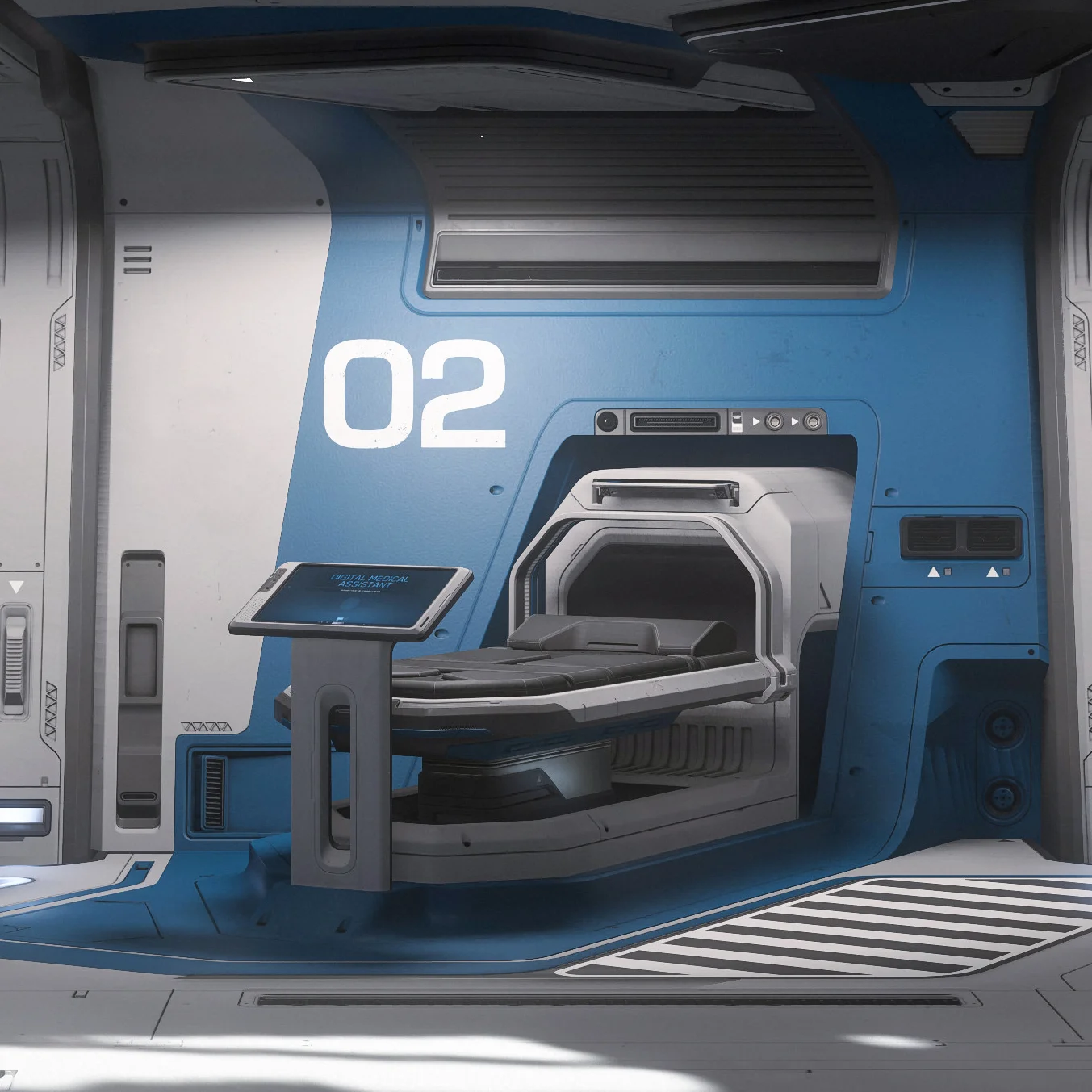
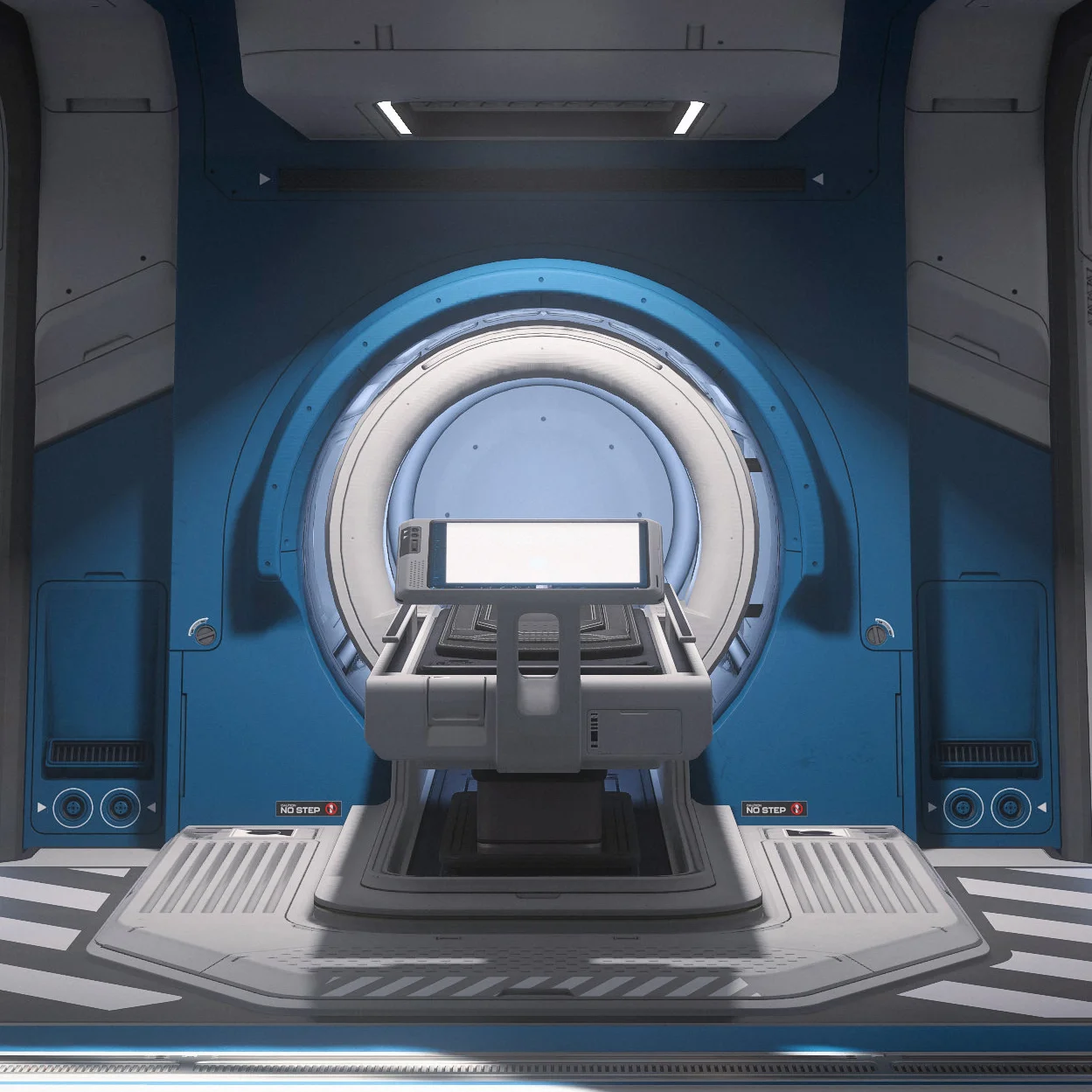
Medical beds are the automated doctors of the 30th century: they treat injuries, clear drugs from your system, set your regeneration point and scan your status. Outside hospitals they run on MedGel.

Tier 3

Tier 3

The most common one. Stabilizes, restores health, heals minor injuries (T3) and regenerates anyone who died within 50,000 meters.

MedGel: 200 cSCU

Tier 2

Tier 2

The mid tier. Stabilizes, restores health, heals moderate injuries (T2) and regenerates anyone who died within 8,000,000 meters.

MedGel: 400 cSCU

Tier 1

Tier 1

The most capable one. Restores health, heals every injury (including T1) and regenerates anyone who died within 750,000,000,000 meters.

MedGel: 600 cSCU

Healing cost per bed
BedHealing costMaximum injury
Tier 35 cSCU MedGelMinor injuries.
Tier 210 cSCU MedGelMinor and moderate injuries.
Tier 120 cSCU MedGelMinor, moderate and severe injuries.

You are only charged once for the highest injury tier you carry, no matter how many injuries are healed at once. Temporarily stabilizing injuries above what the bed can heal is free.

How to use it

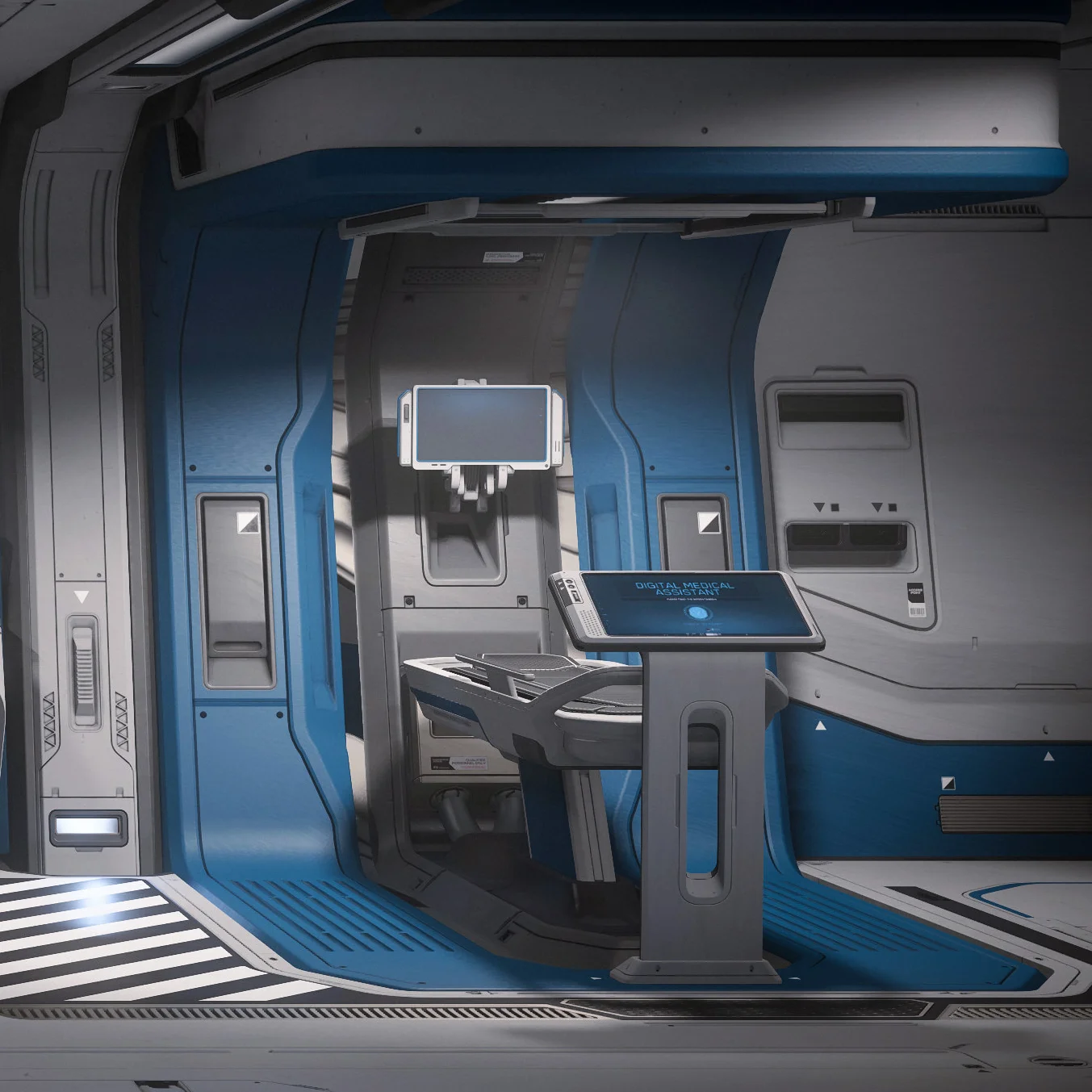
Each bed has two Digital Medical Assistant terminals: one at the foot of the bed and an overhead one that deploys when you enter or regenerate. If you just died, the terminal also shows information about that death.

To place another person on a bed, drag the incapacitated body close and pick "Place In Bed" through the Inner Thought system.

Imprinting and regeneration

Regeneration is the full restoration of your being from the DNA imprint recorded where you set it. By default it is the hospital at your primary residence, but you can transfer the imprint to another hospital, clinic, ship or vehicle with a medical bed and enough MedGel.

You wake up at your home location instead of the chosen bed in three cases:

  • The bed has been destroyed.
  • The bed ran out of MedGel.
  • You died outside that bed's effective range.
Regeneration cost and range
BedRegeneration costRange
Tier 3100 cSCU MedGel50,000 m (0.05 Mm) — enough to cover most gameplay areas.
Tier 2100 cSCU MedGel8,000,000 m (8 Mm) — enough to cover most planetary bodies.
Tier 1100 cSCU MedGel750,000,000,000 m (750 Gm) — enough to cover most star systems.

MedGel

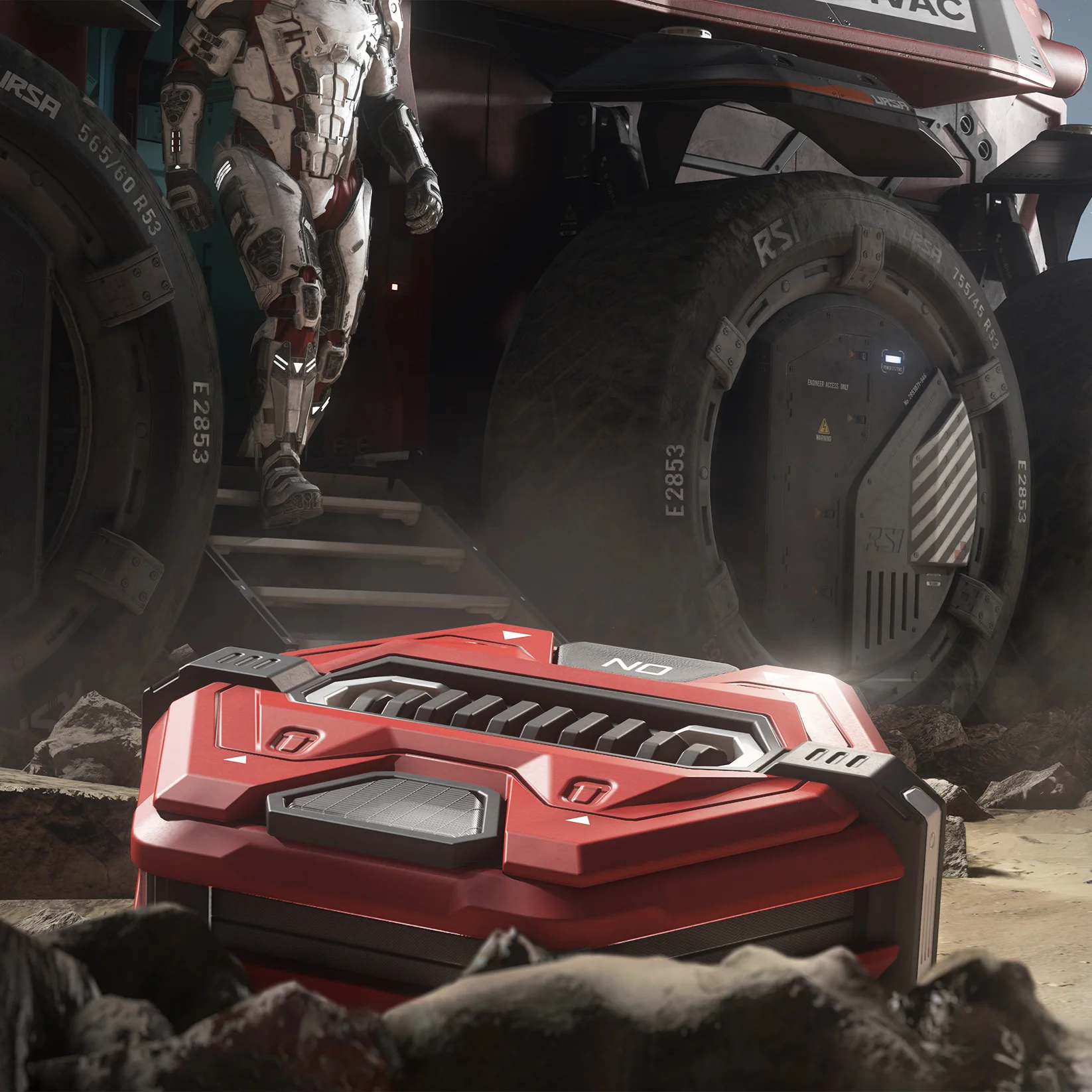
MedGel fuels nearly everything, from the Multi-Tool's limited healing to the beds that bring people back to life. Keep small canisters on you and a larger supply in your ship's cargo.

  • Multi-Tool and Curelife reload like any handheld weapon.
  • Medical beds reload with a full canister inserted into the port — which in some ships sits on a nearby wall rather than on the unit itself.
  • The canister is consumed entirely; you do not have to remove the previous one.

Capacity per bed: T3 200 cSCU · T2 400 cSCU · T1 600 cSCU.

MedGel

What is coming

Everything above keeps evolving. CIG published a design brief covering what is in development for after 4.3.1: imprinting on several beds at once, choosing where to regenerate, and living with conditions that limit healing and respawning.

Multiple imprints at once

The first change lets you hold imprints at several locations at the same time, turning death into a tactical choice. Destinations fall into four categories:

CategoryDescription
Landing ZoneThe last landing zone bed you imprinted on.
Ship / VehicleThe last ship or vehicle you imprinted on.
Home BaseThe last bed you imprinted on at a base you or your org own.
TemporaryA bed that fits none of the categories above — a POI like Storm Breaker, for example.

MedBed conditions

In 4.3.1 requiring MedGel became the first condition for healing and regenerating. The plan is to expand that: conditions are not global, they are states enabled by content or by the bed's owner. A single bed may carry several at once.

ConditionDescription
Manual MedGelThe bed needs Panacea MedGel restocked by hand to work. That is today's behaviour.
Auto MedGelThe bed consumes MedGel but restocks itself. Nobody has to top it up.
Temporary imprintThe imprint lasts X time, then enters a cooldown before it can be set again.
Regeneration timerYou can only regenerate there once every X. The timer is per person.
Disabled by distortionDistortion damage shuts the bed down. The imprint is not lost: you just cannot heal or respawn there.
Disabled by soft deathThe bed goes offline when the ship suffers a soft death. The imprint stays on record.
Invalidated by distanceIf you die more than X meters from the bed the imprint remains — it just does not serve that death.
DestructibleThe bed can be destroyed, and the imprints stored on it are lost with it.

MedBed permissions

If the bed sits inside your ship, vehicle or base, you set who may use it to heal and imprint:

  • Only you
  • Everyone
  • Friends
  • Party members
  • Org members

How the game decides

The two flows CIG published in the design brief, rebuilt here in HTML.

Healing health and injuries

Player is injured, goes to medbed.
Does the medbed have conditions?
Yes
Does the player and/or medbed meet the conditions?
No
Do not heal the player.
No Yes
Heal the player.
Injuries that are healed are relative to the medbed's tier.

Regenerate

Player is incapacitated or dead.
Regeneration UI is shown and prompts them to pick a location.
Is the location valid, based on conditions?
Yes
Transition to loading screen and regenerate.
No
Pick another location.
Cannot regenerate there.

New regeneration interface

To handle multiple imprints and conditions, the death screen becomes a destination picker: every valid imprint shows up as an option, side by side.

Select a regeneration location
[Hospital name][Location name]
Image of location
Regenerate
[Vehicle name][Location name]
Image of location
Regenerate
[Base name][Location name]
Image of location
Error: medbed has been destroyed!
Unavailable
[Temporary][Location name]
Image of location
Imprint cooldown: 2d 4h 8m
MedGel respawn cost: 10/40
Regenerate
Medical rescue[Beacon description]
Image of location
Deploy

What each part shows

Regeneration options
Hold for a few seconds to activate. From left to right: landing zone, primary vehicle, home base, temporary and rescue beacon.
Invalid location
If the location is not valid for regeneration, an error explains why that bed is out.
Regeneration conditions
Displays the conditions that bed carries, such as imprint cooldown and MedGel cost.
Deploy beacon
Starts the flow for deploying a Rescue Beacon straight from the screen.

Rescue beacons

Since Alpha 4.0 the beacon system has been carrying legacy design pieces still waiting for an update. With 600 players per shard the notification system became unmanageable and needs refactoring. Markers also need to support intermediate destinations, such as a nearby jump point.

CIG also wants to give first responders a way to see the last beacons a player has sent — a good gauge for the likelihood of an ambush. No dates yet, but it is on the radar.


Medical Guide

Based on the official Cloud Imperium Games medical gameplay guide and on the design brief "Life, and Death, and Life Again Beyond 4.3.1". Star Citizen and Roberts Space Industries are trademarks of Cloud Imperium Rights LLC. SpaceGamer is not affiliated with CIG.